Happy Easter Day- Photo Editor2.0
Publisher Description

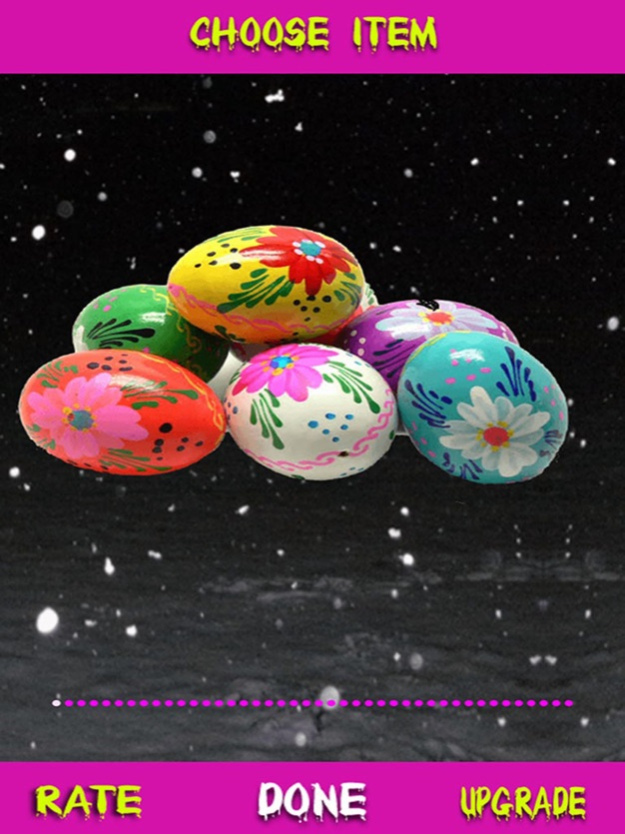
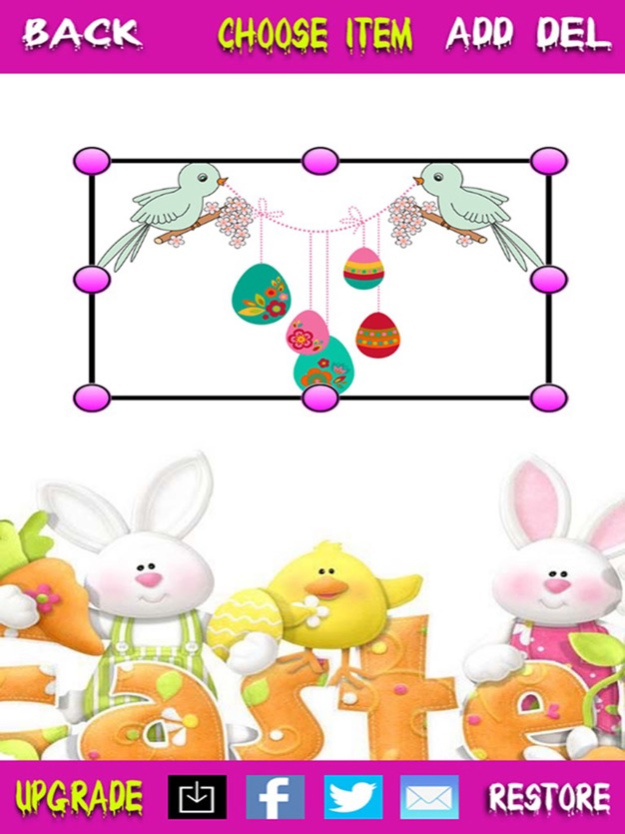
Let's make a greeting card or design an impressive photo collection of your memories for easter.
- Make greeting card
- Customize photos via items as eggs,juices,rabbit...
- And more useful option
HOW TO USE:
- For making card:
1. Tap to Make Theme
2. Choose theme from theme booth or capture from your device and tap to Done
3. Add other items and adjust
4. Save or share fb/twitter your card
- For editing your photo
1. Snap your photo or choose from gallery
2. Crop your photo
3. Add one or more items to your photo and adjust
4. Save or share fb/twitter your photo
HAVE FUN!
May 13, 2020
Version 2.0
- Update stickers, items
- Update iOS SDK
About Happy Easter Day- Photo Editor
The company that develops Happy Easter Day- Photo Editor is AI M. The latest version released by its developer is 2.0.
To install Happy Easter Day- Photo Editor on your iOS device, just click the green Continue To App button above to start the installation process. The app is listed on our website since 2020-05-13 and was downloaded 7 times. We have already checked if the download link is safe, however for your own protection we recommend that you scan the downloaded app with your antivirus. Your antivirus may detect the Happy Easter Day- Photo Editor as malware if the download link is broken.
How to install Happy Easter Day- Photo Editor on your iOS device:
- Click on the Continue To App button on our website. This will redirect you to the App Store.
- Once the Happy Easter Day- Photo Editor is shown in the iTunes listing of your iOS device, you can start its download and installation. Tap on the GET button to the right of the app to start downloading it.
- If you are not logged-in the iOS appstore app, you'll be prompted for your your Apple ID and/or password.
- After Happy Easter Day- Photo Editor is downloaded, you'll see an INSTALL button to the right. Tap on it to start the actual installation of the iOS app.
- Once installation is finished you can tap on the OPEN button to start it. Its icon will also be added to your device home screen.
Program Details
System requirements
Download information
Pricing
Version History
version 2.0
posted on 2020-05-13
May 13, 2020 Version 2.0
- Update stickers, items
- Update iOS SDK
version 2.0
posted on 2020-05-13
13 May 2020 Version 2.0
- Update stickers, items
- Update iOS SDK
version 1.0
posted on 2016-03-26
version 1.0
posted on 2016-03-26
Mar 26, 2016 Version 1.0
This update is signed with Apple’s latest signing certificate. No new features are included.
version 2.0
posted on 1970-01-01
13 de may. de 2020 Version 2.0
- Update stickers, items
- Update iOS SDK
version 2.0
posted on 1970-01-01
13 mag 2020 Version 2.0
- Update stickers, items
- Update iOS SDK
version 2.0
posted on 1970-01-01
2020年5月13日 Version 2.0
- Update stickers, items
- Update iOS SDK
